Free Online CAD & DXF Editor
in your browser
Open DXF files, draw geometry, add dimensions, and export PDF — without installing a single thing. A free alternative to desktop CAD that runs in any modern browser.
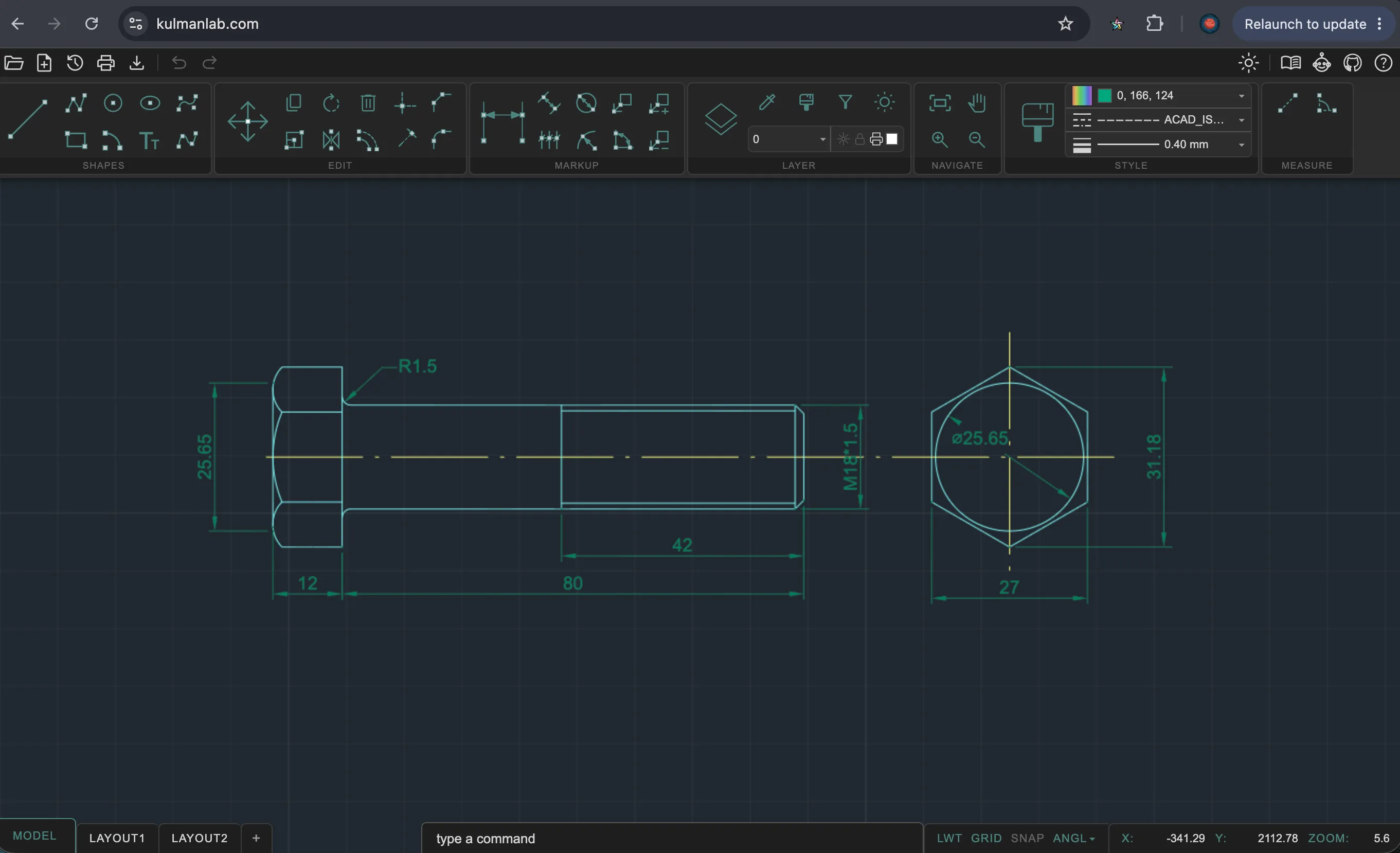
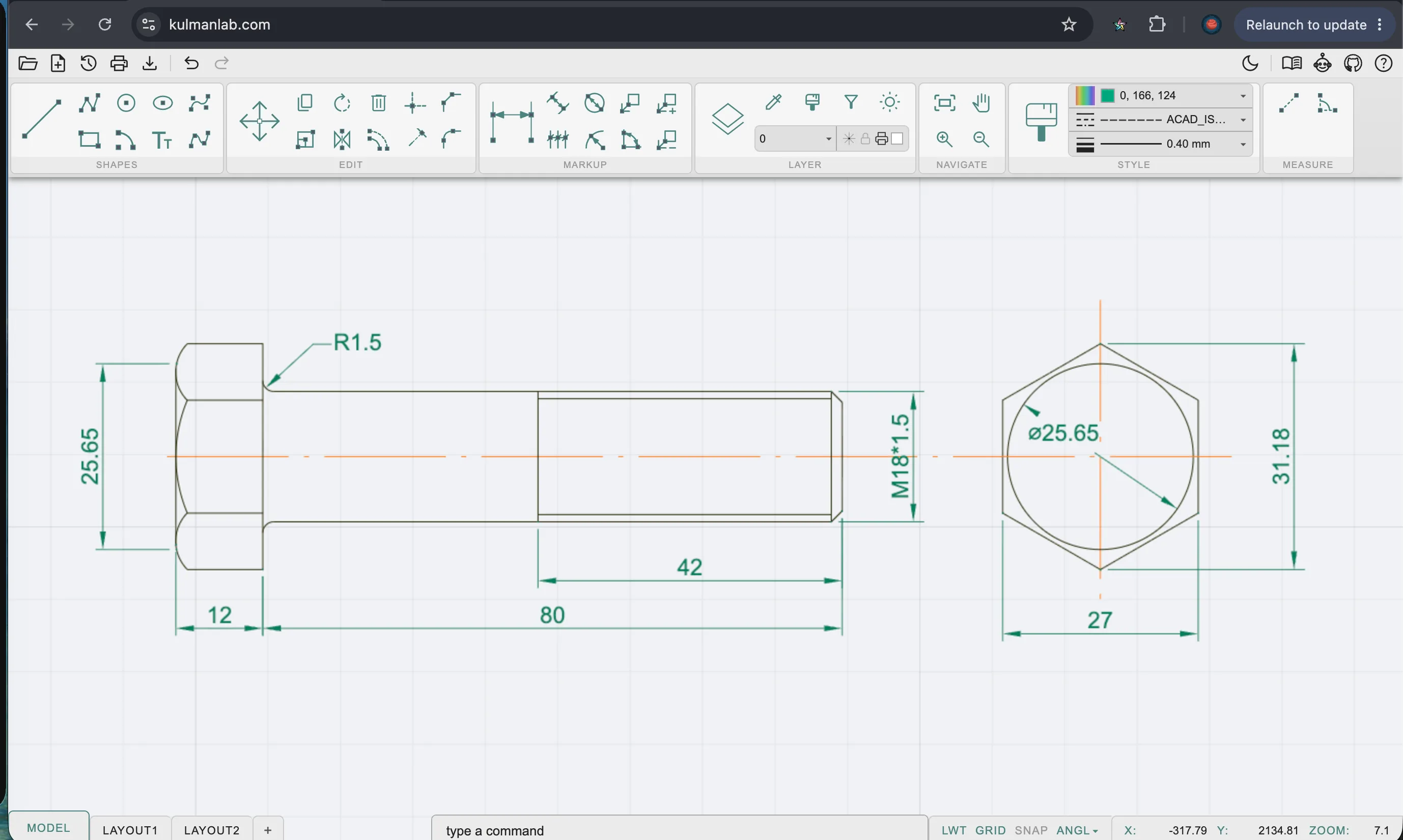
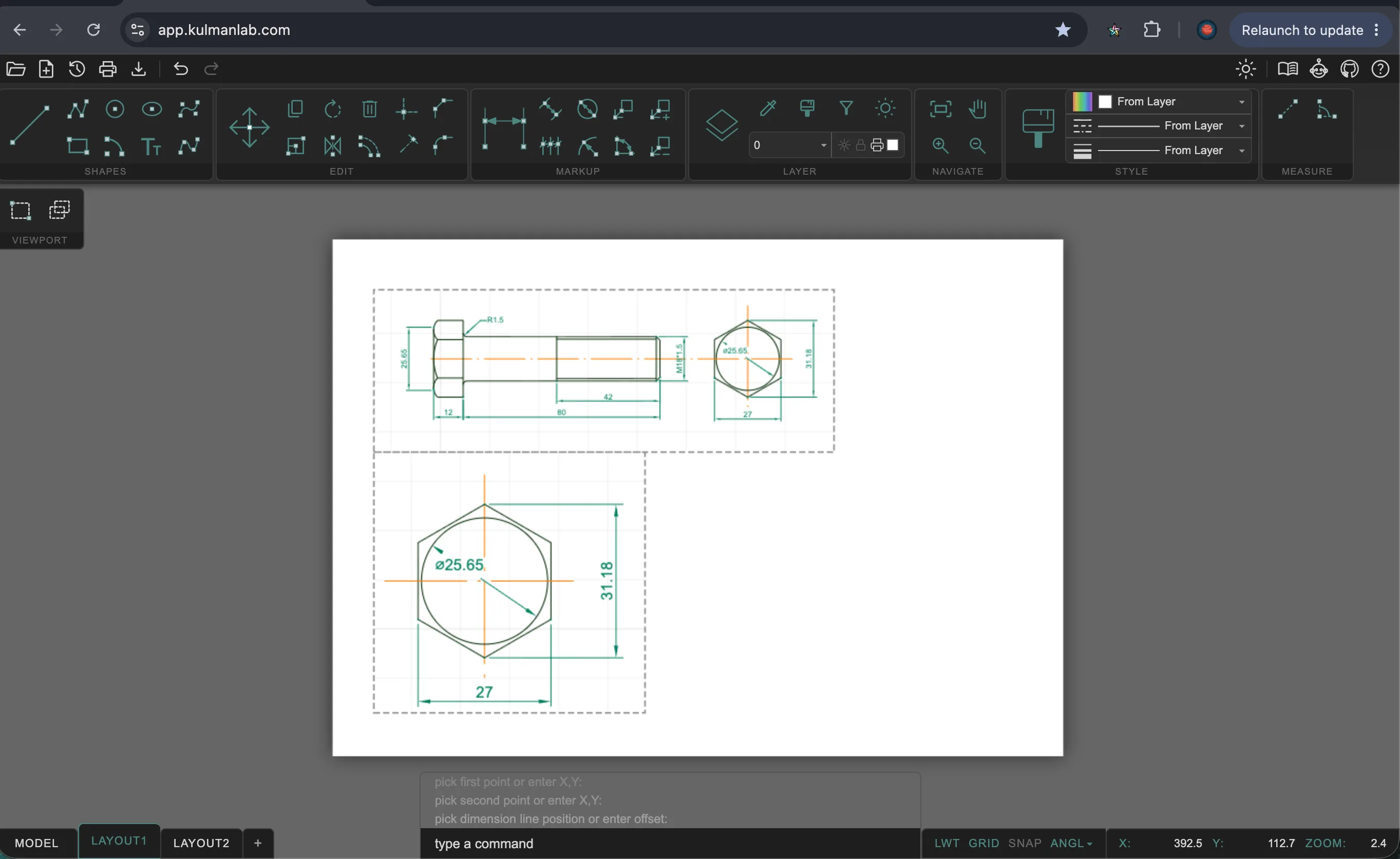
Everything you need for 2D drafting
A complete CAD command set, accessible via toolbar, keyboard shortcut, or the command terminal.
Full Drawing Toolkit
Lines, arcs, circles, polylines, splines, ellipses, text, and multileaders. Everything you need for 2D geometry.
Edit & Modify Commands
Move, copy, rotate, mirror, scale, offset, trim, extend, fillet, chamfer. Full modify suite via toolbar or command terminal.
Dimensions & Annotation
Linear, aligned, radius, diameter, angular, and continue dimensions. All stored as standard DXF DIMENSION objects.
Layer Management
Freeze, lock, isolate, and configure color, linetype, and lineweight per layer. Full control over layer visibility and printability.
DXF Import & Export
Read and write industry-standard DXF files (AC1032). Compatible with LibreCAD, FreeCAD, QCAD, BricsCAD, and any DXF-capable software.
Grip Editing
Select any entity and drag its grip handles to reshape geometry directly on the canvas. Type a value while dragging for exact displacement.
From sketch to print-ready sheet
A complete drafting workflow in three steps, without leaving the browser.
Model your drawing
Draw geometry with snap-to-point precision. Type exact X,Y coordinates, add dimensions, and organise by layer.
Configure the sheet
Pick a paper format, set the drawing scale, and arrange model viewports on the layout canvas.
Print or export
Preview the layout at full fidelity and export to PDF, PNG, or DXF — ready for fabrication or client review.
Works exactly like desktop CAD
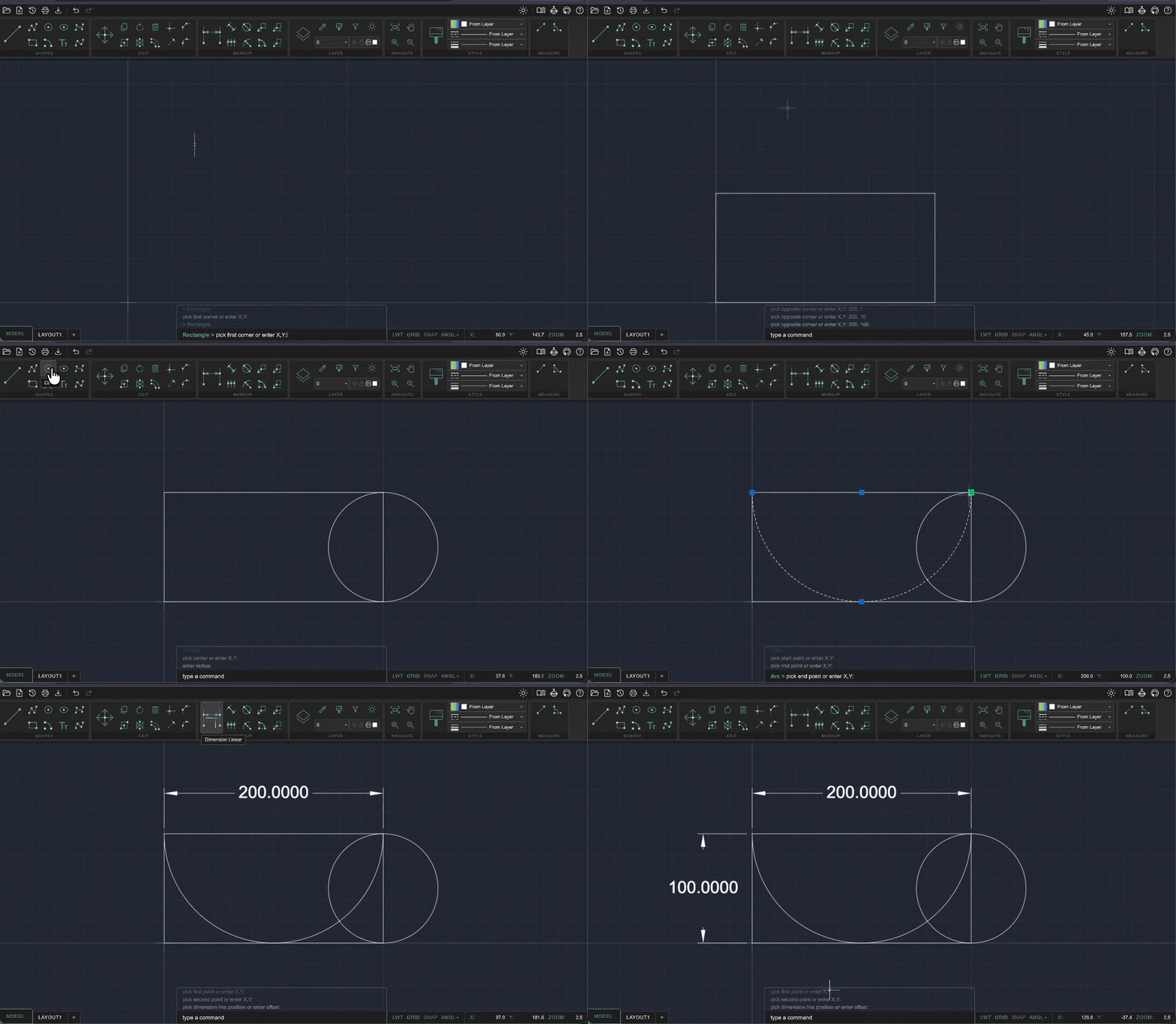
Type a command or click the toolbar. Snap to geometry, enter exact values, add dimensions, export DXF — the full workflow, running locally in your browser.
Who uses KulmanLab
A tool built for professionals who need results, not overhead.
Engineers & designers
Quick DXF edits, annotations, and reviews without firing up a full desktop CAD suite.
CNC & laser cutting
Prepare and tweak DXF files for fabrication workflows. Export-ready for any machine.
Desktop CAD users
A fast browser-based option for simple tasks. No installation or seat licence needed.
Privacy-conscious teams
Confidential drawings that must not leave the machine. No cloud, no upload.
How KulmanLab compares
The only browser-based 2D CAD that is free, requires no account, works offline, and keeps your files on your machine.
Scroll right to compare →